V2 Standard + V3 Premium
Two Lightroom preset files in one download: V2 for the free Lightroom app, V3 for paid Lightroom plans.
.xmp × 2
What's inside
One £9.99 purchase gets you one ZIP file of about 4.2 MB, organised into seven numbered folders. Here's exactly what's in each one.
Two Lightroom preset files in one download: V2 for the free Lightroom app, V3 for paid Lightroom plans.
.xmp × 2Step-by-step instructions for importing both presets into Lightroom Mobile on iPhone, including the common mistakes to avoid.
PDF + DOCXA simple, repeatable workflow: fix the photo first, apply one preset, refine, then check that the car still looks like the real car.
DOCXFive copy-and-paste prompts for AI photo editors: editorial, overcast, night, golden hour and detail shots. Each prompt tells the tool not to change the car.
DOCXA checklist of what must never change (paint, wheels, badges, stance) and what you can safely improve.
DOCXFive example images showing a global photographic treatment. They are labelled as demonstrations, not Lightroom preset exports.
JPG × 5Editable Instagram post layouts (4:5) and Reel covers (9:16) in a PowerPoint file you can import into Canva, plus three ready-made Reel cover images.
PPTX + JPG × 3A quick guide to the folders, so you know exactly where everything is.
TXTFolder by folder
File names as they appear when you unzip the kit.
| Folder | Files | What it's for |
|---|---|---|
| 01_Presets | Motive_Society_V2_Standard.xmp · Motive_Society_V3_Premium.xmp | Both Lightroom preset editions as separate files. Import one at a time and apply one preset per photo. |
| 02_Installation_Guide | iPhone Lightroom Installation Guide (PDF and Word) | How to save and unzip the kit on iPhone, then import each preset through Presets → Yours → ••• → Import Presets. Includes the common wrong route and how to fix it. |
| 03_Editing_Guide | Beginner Editing Guide (Word) | Start with the sharpest photo, correct exposure and white balance, apply one preset, refine gently, run a final vehicle-accuracy check, and export in sRGB for Instagram. |
| 04_AI_Prompts | Five Automotive AI Prompts (Word) | Midnight Editorial, Overcast Street, Night / Low-Light, Golden Hour, and Detail / Wheel / Interior. Every prompt tells the AI tool to keep the car's make, paint, wheels, badges and bodywork exactly the same. |
| 05_Before_After_Demos | Five demonstration images (JPG) | Examples of a global photographic treatment on the same photo. They are labelled as illustrative demonstrations, not Lightroom preset exports, and some use AI-generated concept images. |
| 06_Social_Templates | Editable layouts (PowerPoint) + three Reel covers (JPG) | Instagram 4:5 post layouts and 9:16 Reel covers. Open the PowerPoint file in Canva or PowerPoint to edit them. |
| 07_Vehicle_Preservation | Vehicle Preservation Guide (Word) | What must never change, what you can safely improve, and how to check AI edits before you post. |
| READ_ME_FIRST.txt | Folder guide | A one-page map of the kit and important notes. |
A look inside
These images come from the kit itself. The demonstrations show a global photographic treatment and say on the image that they are not Lightroom preset exports.
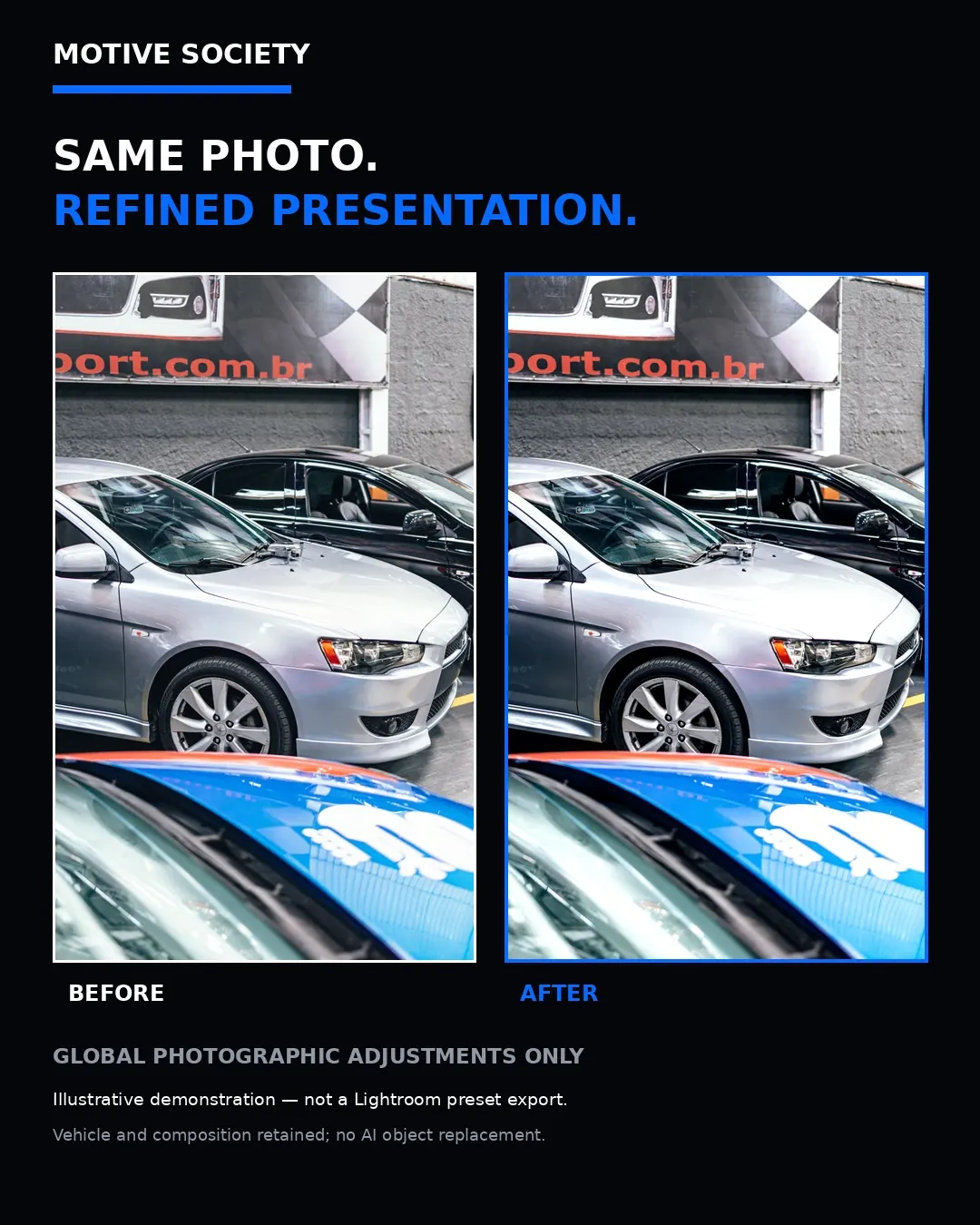
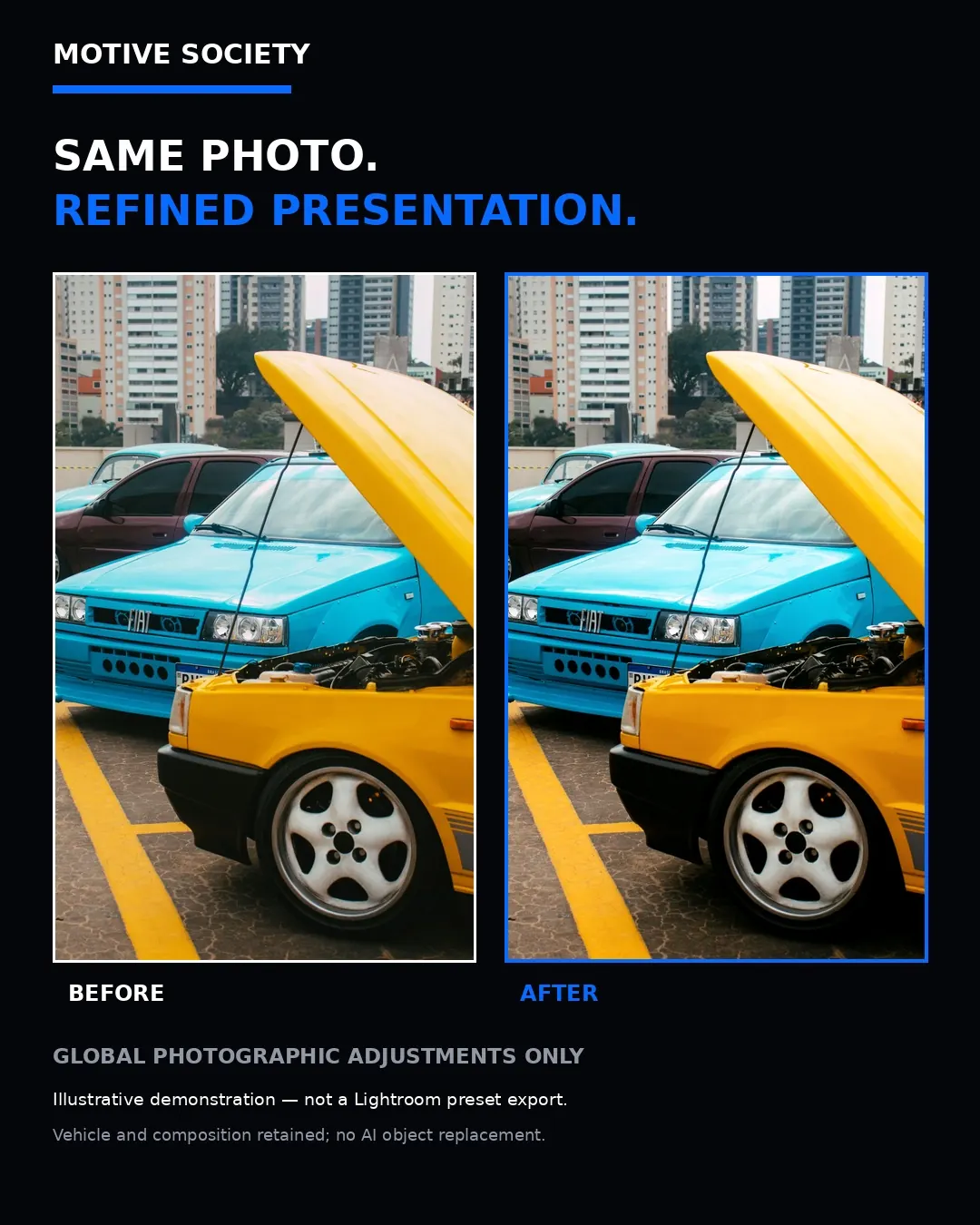
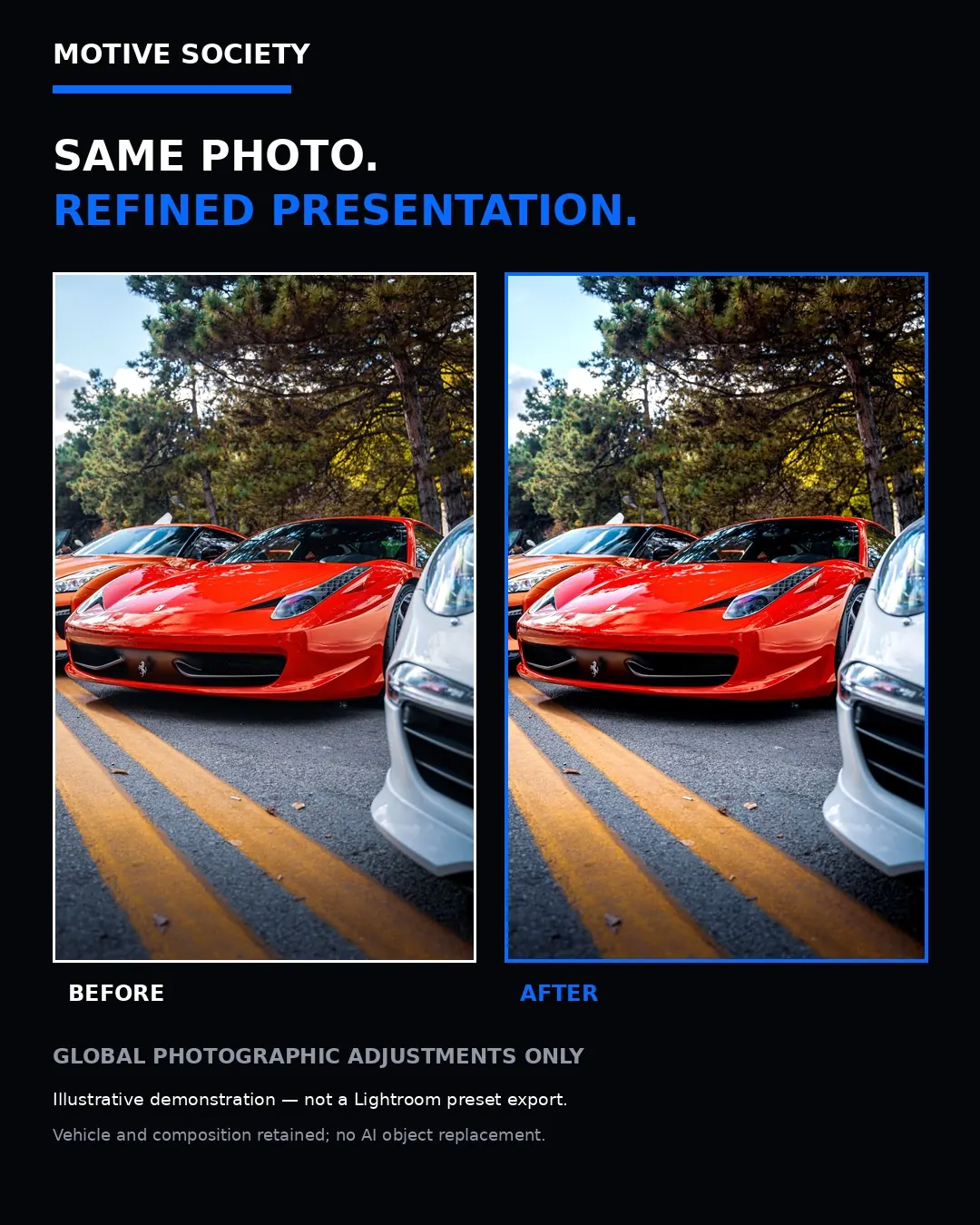
Illustrative demonstrations included in the kit. Not V2 or V3 preset results.
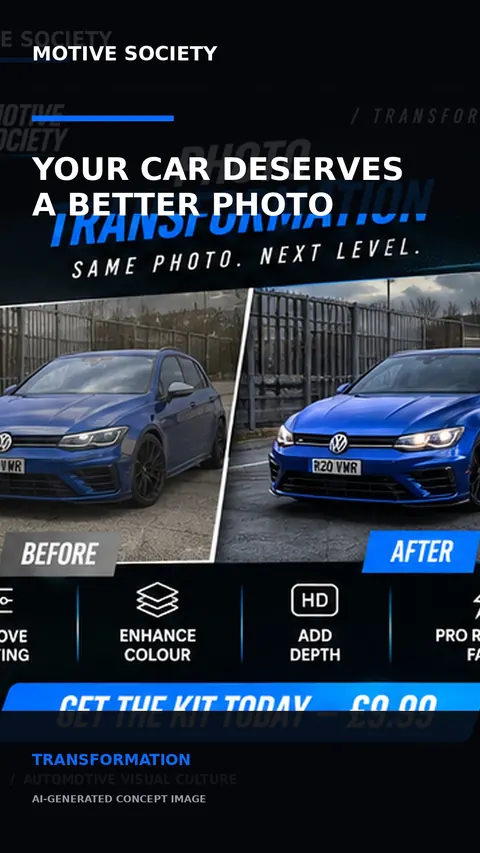
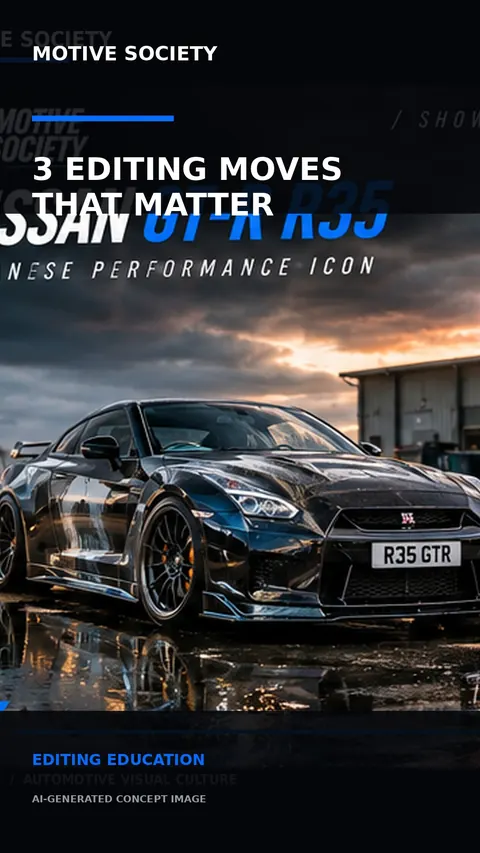
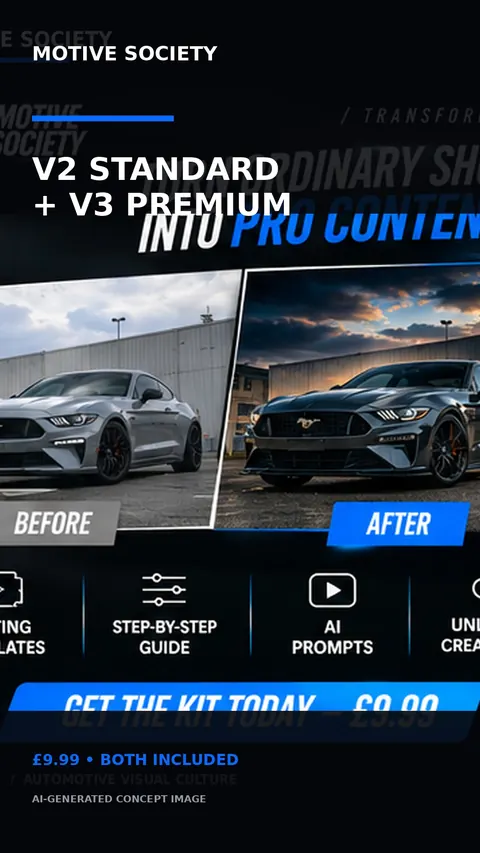
Three ready-made Reel covers (1080×1920) included in 06_Social_Templates.
What you need: Adobe Lightroom (the free mobile app is enough for V2 Standard; V3 Premium is meant for paid plans), a way to unzip files (built into iPhone's Files app), and something that opens Word/PDF files for the guides. Lightroom isn't included, and Motive Society isn't affiliated with Adobe.
Your next edit starts here
V3 Premium, V2 Standard and the complete toolkit, all in one instant download.